Turn your content database into an Instagram grid preview, right inside Notion ✨
You plan your content in Notion. Checking your IG feed should take seconds, not a whole workflow.
Let me guess. You're doing all your content planning in Notion, then jumping into Canva to design your posts. But you have no idea if your posts look good together as a feed, until you manually create a mockup in Canva. And then you change one post and have to do it all over again.
Yeah there's a better way 💅 Use this widget inside your Notion and turn your boring database into an IG feed format with your actual Canva designs. Rearrange your posts, plan your aesthetic, and see exactly how your feed looks before anything goes live. It will save you so much time.
WHAT YOU CAN DO
Alright here's the good stuff.
Everything this widget does for you.
🖼️
Grid Preview
Your whole feed, right in front of you before anything goes live. No more posting and praying it looks good.
🎨
Canva Connect
Your Canva designs show up right in your grid. Update in Canva, it updates here. Zero exporting, zero re-uploading, ever.
✦
Drag & Drop
Just drag posts around until it looks right. Rearrange by feel, sort by date, or set your own order. It's genuinely that easy.
🎬
Videos & Carousels
Play videos and swipe through carousels without leaving Notion. Exactly how your followers will see it.
📌
Filter & Pin
Filter by draft, scheduled, or posted. Pin your best stuff to the top. Full control, zero chaos.
🗺️
Content Map
Flip to strategy view and see your pillars colour-coded. Finally know if your feed is actually balanced, not just vibes.
👤
Account Bio
Add your username, name, bio and link at the top. Makes your widget feel like the real thing because it basically is.
🔗
External Links
Paste an image URL and it just shows up. That's literally it. No downloading, no uploading, no fuss.
✨
Future Updates
Every new feature, straight to you at no extra cost. Ever. Because a tool that stops improving isn't worth your time.
See it in action. Here's what your Notion page could look like 👀
You can embed this widget into any Notion page you want.
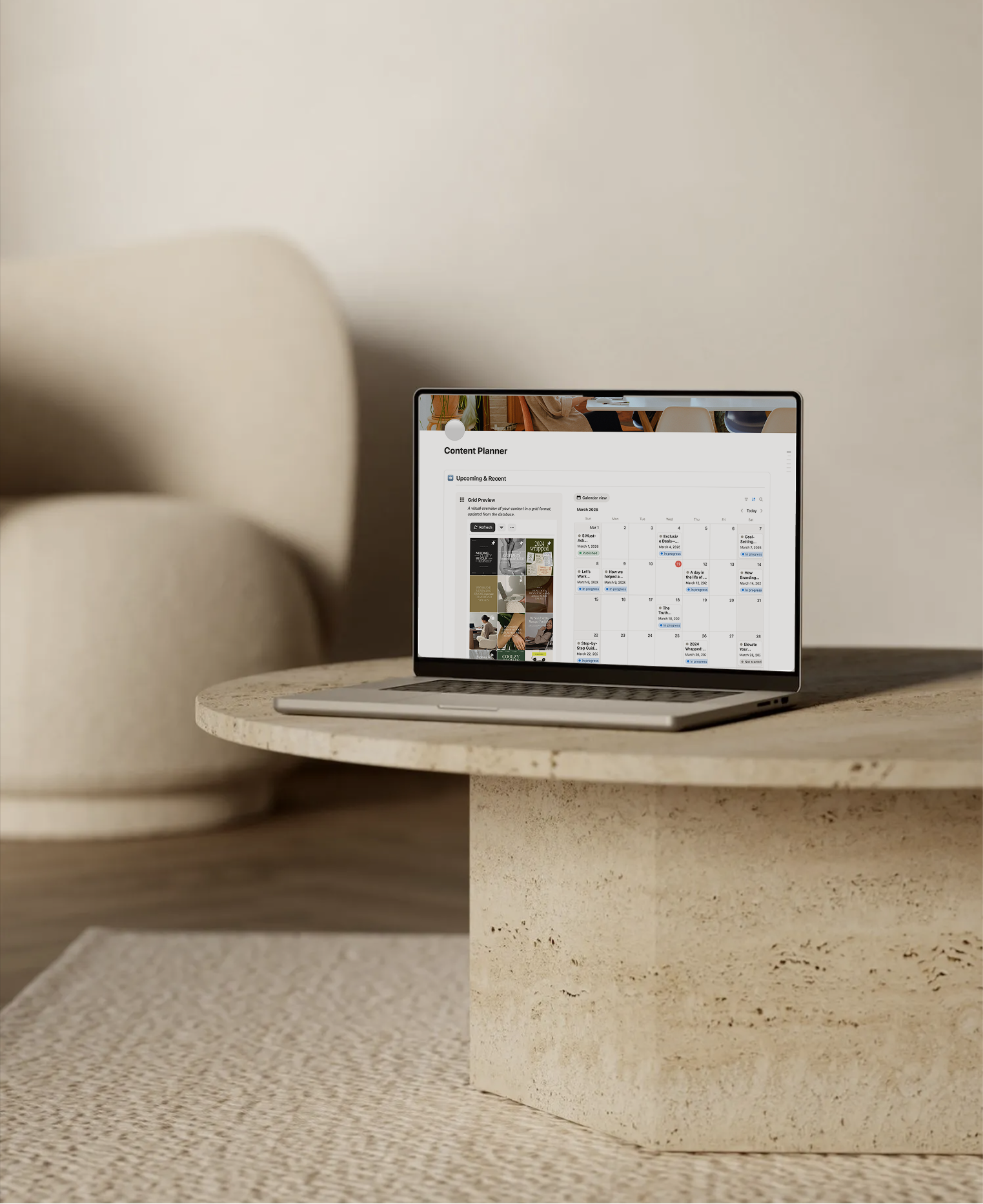
Example 1
Content Planner
Keep your content calendar and grid preview in the same Notion page. See how your posts look together in one place.
Learn More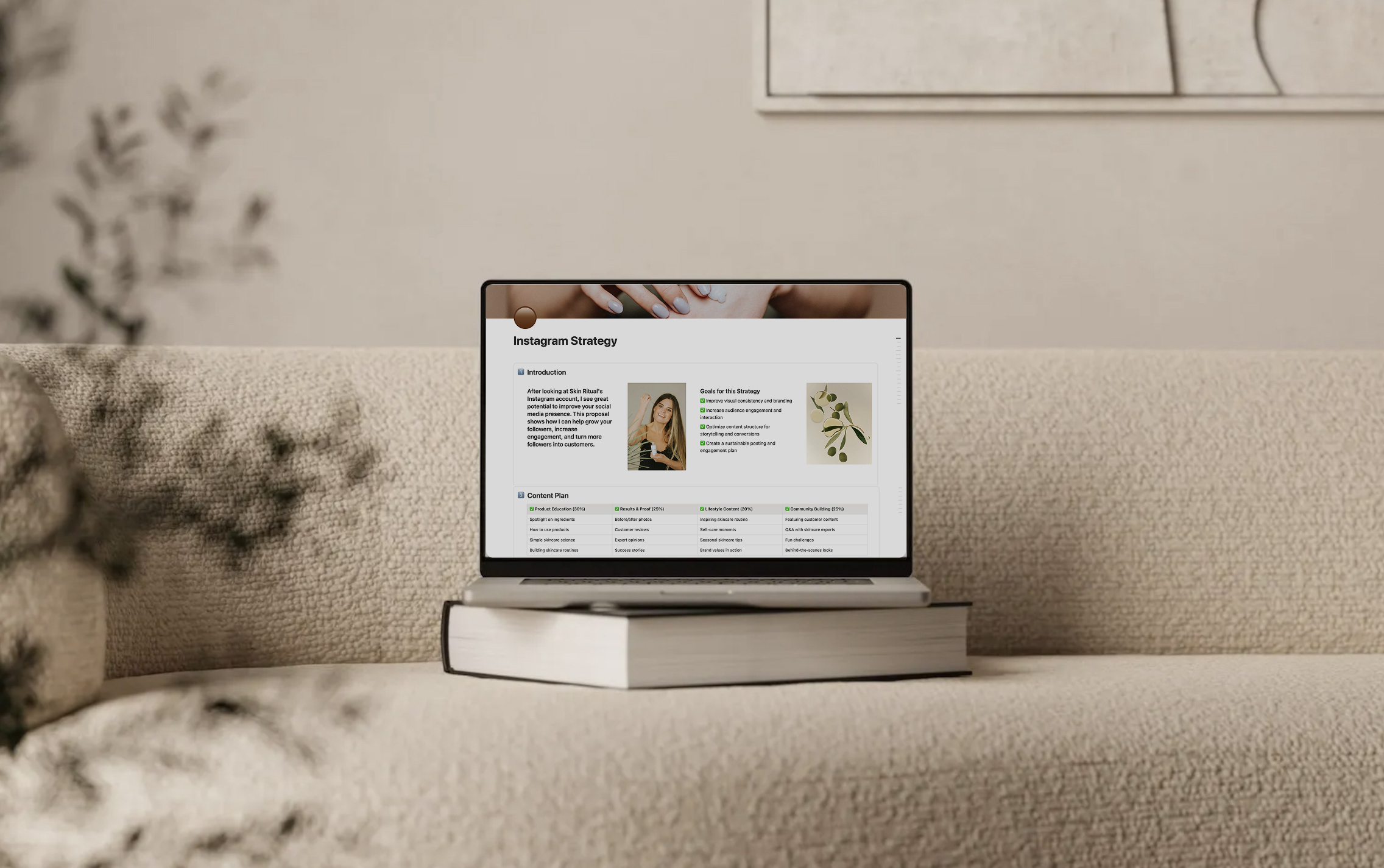
Example 2
Instagram Strategy
Present your Instagram strategy to clients with a live feed preview. Show them the vision, not just tell them about it.
Learn MoreIF YOU'RE A:
🫶 Business Owner
Running a business and want your feed to actually make people trust you
💻 Social Media Manager
Managing multiple clients and want every feed looking chef's kiss
or any creator who just wants a gorgeous, on-brand feed.
LET'S GET
STARTED
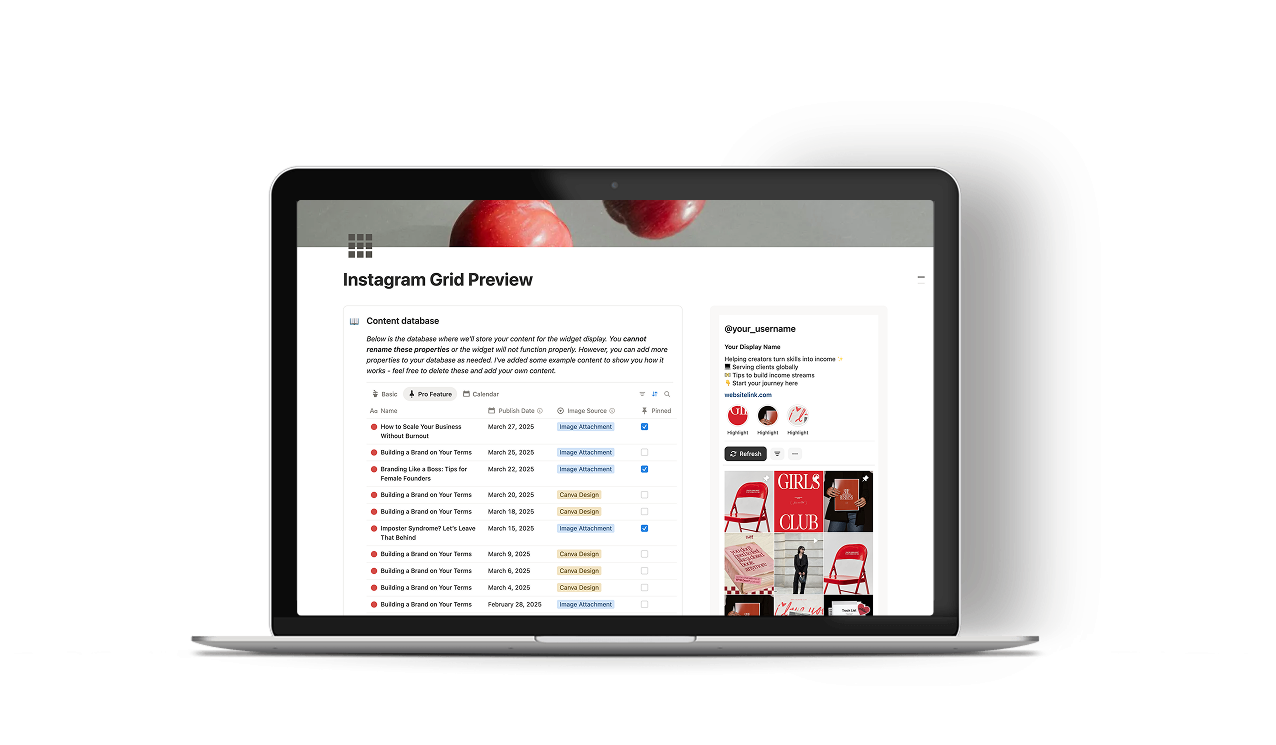
After checkout you'll get an email with your setup link and a step by step guide. Yes there is a setup required but it is a one time thing. Once your Notion database is connected to your widget it stays that way. So whenever you update your content, add a new post, change an image, or shuffle things around, all you have to do is refresh. Your feed preview updates automatically and your grid is always reflecting exactly what's in your database. Works with any Notion database you already have and you can create as many widgets as you want. Perfect for managing your own feed, your clients, or multiple accounts.
Choose what works for you
Pay once and your whole content workflow changes forever 💅
A great starting point, but trust me all the good stuff is in pro.
No credit card required
Includes:
- Basic Instagram grid widget
- Up to 12 images display
- Basic hover effects
- Add images using attachments
- Hide selected posts from grid
- Build as many widgets as you need
For creators and SMMs who are serious about their content workflow.
One time payment
Everything in Basic, plus:
- Up to 60 images display
- Clickable grid to view image in full size
- Carousels for multi-photo posts
- Direct Canva design previews
- Display and play videos
- Display images from external links
- Filter by status and platform
- Pin posts to top of grid
- Display account bio
- Toggle to Content Map view
- Drag & drop to reorder posts
- Future updates included
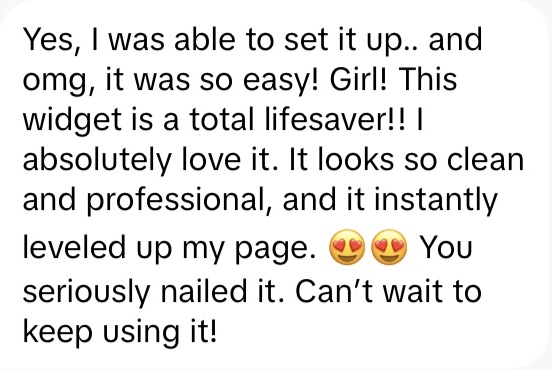
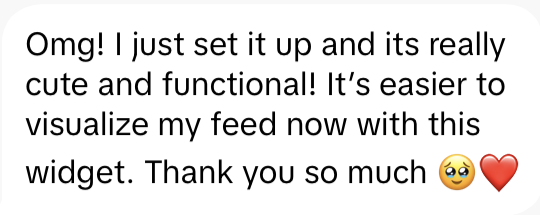
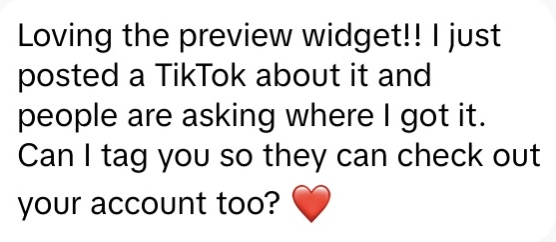
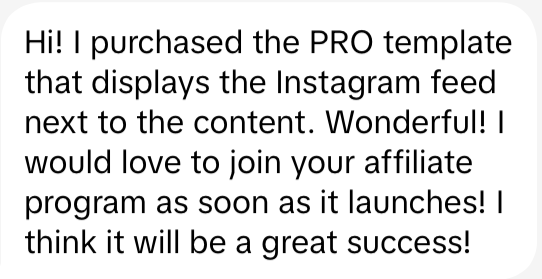
See what other
creators and SMM are saying
about this widget 👀



✍️ A little note from me
Hey! So honestly, I built this because I couldn't find anything like it. I was already doing all my content planning in Notion and I just wanted to see my grid preview without leaving the app. I looked everywhere for something that connected Notion and Canva together and nothing existed. So I just built it myself.
What started as a personal fix for my own workflow somehow turned into this. I'm constantly tweaking and improving it based on what you guys tell me, adding features, fixing things, making it better. It's still a small project but I genuinely care so much about it.
If you have ideas or something isn't working the way you expected, please tell me. I actually read everything and your feedback is literally what shapes every single update. We're figuring this out together.
And if you end up using it, come say hi on Instagram or TikTok! Tag me in your setup, I love seeing it in the wild. Thank you so much for supporting this little project of mine. It genuinely means everything. 🤍
Frequently asked questions
Most creators plan in Notion, design in Canva, then open a separate app just to check their grid. This widget cuts out that extra step. You plan and preview in the same place, at the same time.
For social media managers, it is a proper timesaver. The grid is fully clickable, so you can show clients carousels, play videos, and share an interactive preview without sending a single screenshot.
Pro: everything in Basic, plus images from external links, Canva designs without any exporting, videos, and multi-image carousels. The grid is also fully clickable so you can interact with all of it without leaving Notion.
Personally, seeing Canva designs live in the grid without exporting anything is the feature I use most. It just makes the whole process feel effortless.